

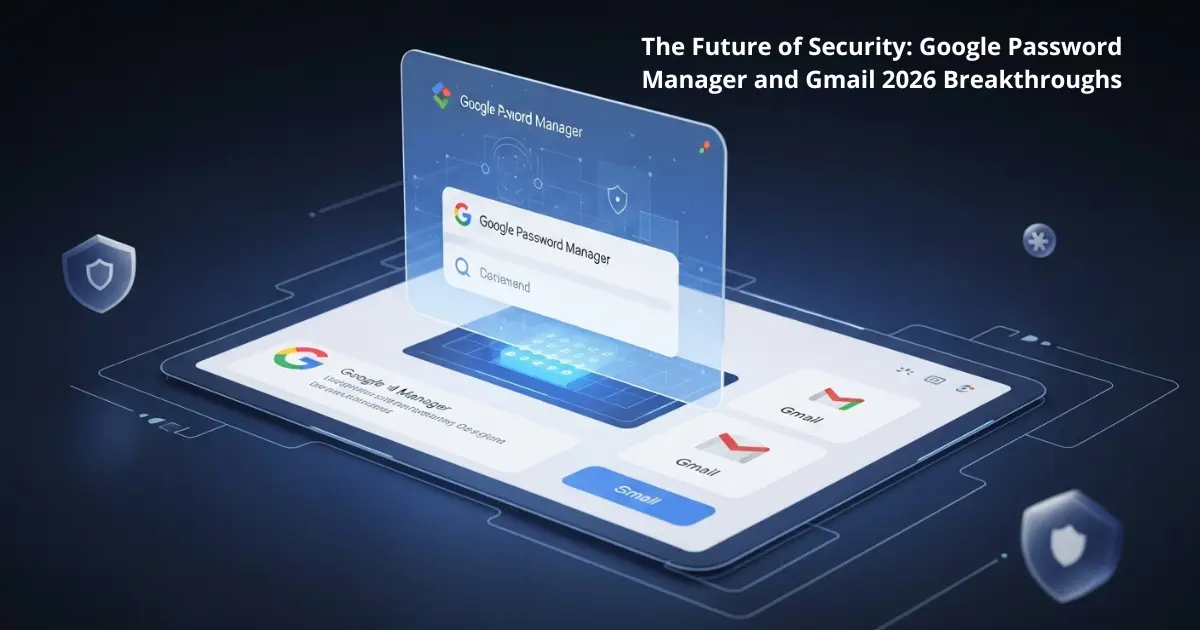
As we step into January 2026, the digital landscape is facing an unprecedented surge in sophisticated phishing attacks, which have risen by a staggering 84%. In response, Google has unleashed a massive wave of security updates to protect over 2 billion users. The focus this year is clear: transitioning toward a “passwordless future.” By integrating advanced biometric protocols and AI-driven defenses, the new ecosystem aims to make traditional, leak-prone passwords a relic of the past while ensuring your private data remains impenetrable.
Unveiling the Major Shifts in Google Password Manager and Gmail 2026
The most significant change in Google Password Manager and Gmail 2026 is the aggressive push toward Passkeys. Google is now actively urging users to ditch traditional text-based passwords in favor of biometric authentication, such as fingerprints, facial recognition, or screen locks. Unlike passwords, Passkeys are stored locally on your device, making them virtually immune to remote phishing attempts. Furthermore, technical shifts in Gmail, such as the discontinuation of the Gmailify feature and POP3 protocols for external accounts, signal a total commitment to modern, secure authentication standards.
Read Also: Realme Neo 8: The 2026 Gaming Beast with an 8000mAh Battery
Advanced Technical Features and Biometric Integration
The 2026 update brings desktop users the same high-level security previously reserved for smartphones. Windows and Mac users can now activate biometric authentication before any login data is auto-filled in Chrome. Additionally, Google has introduced an “Automatic Passkey Upgrade” feature, which intelligently converts your saved passwords into secure Passkeys the moment a website supports the technology. This is complemented by AI-enhanced inbox management that summarizes emails while operating under strict new privacy protocols to keep sensitive data safe from emerging threats.




Key Features of the 2026 Security Overhaul
- One-Click Password Change: Chrome can now automatically update compromised or weak passwords on supported websites with a single tap.
- Mandatory Biometrics for Desktop: Prevents unauthorized auto-filling of credentials on shared computers by requiring a face or finger scan.
- AI Phishing Shield: Advanced neural networks within Gmail that detect and neutralize 2026-era sophisticated scam attempts in real-time.
- Passkey Sync: Seamlessly synchronizes your biometric keys across all authenticated Google devices.
How to Optimize Your Account Security
To fully benefit from these updates, users should navigate to their Google Account settings and select the “Security” tab. From there, activate the “Passkeys” option to replace your old passwords. It is also highly recommended to perform a “Security Checkup” to identify any credentials that were part of the January 2026 data leaks. Finally, ensure that Two-Factor Authentication (2FA) is active, as it remains a critical second line of defense against the current wave of credential-stuffing attacks.
Article Summary
This article explored the 2026 updates for Google Password Manager and Gmail, highlighting the transition to biometric Passkeys and the removal of legacy protocols like POP3. We detailed how AI and mandatory biometric checks on desktops are reshaping digital safety, providing a roadmap for users to secure their accounts against the latest 2026 security threats.
Frequently Asked Questions (FAQ)
Q1: What happens to my old passwords in 2026?
A: They will still work, but Google will prioritize converting them into Passkeys automatically on supported sites to enhance your security.
Q2: Why is Google discontinuing POP3 support for external accounts?
A: To eliminate outdated security vulnerabilities and ensure all accounts linked to Gmail use modern, encrypted authentication methods.
Q3: Can I use Passkeys on my Windows or Mac computer?
A: Yes, as of January 2026, Google supports full biometric authentication for Passkeys on desktop operating systems through the Chrome browser.
Discover more from Feenanoor
Subscribe to get the latest posts sent to your email.