


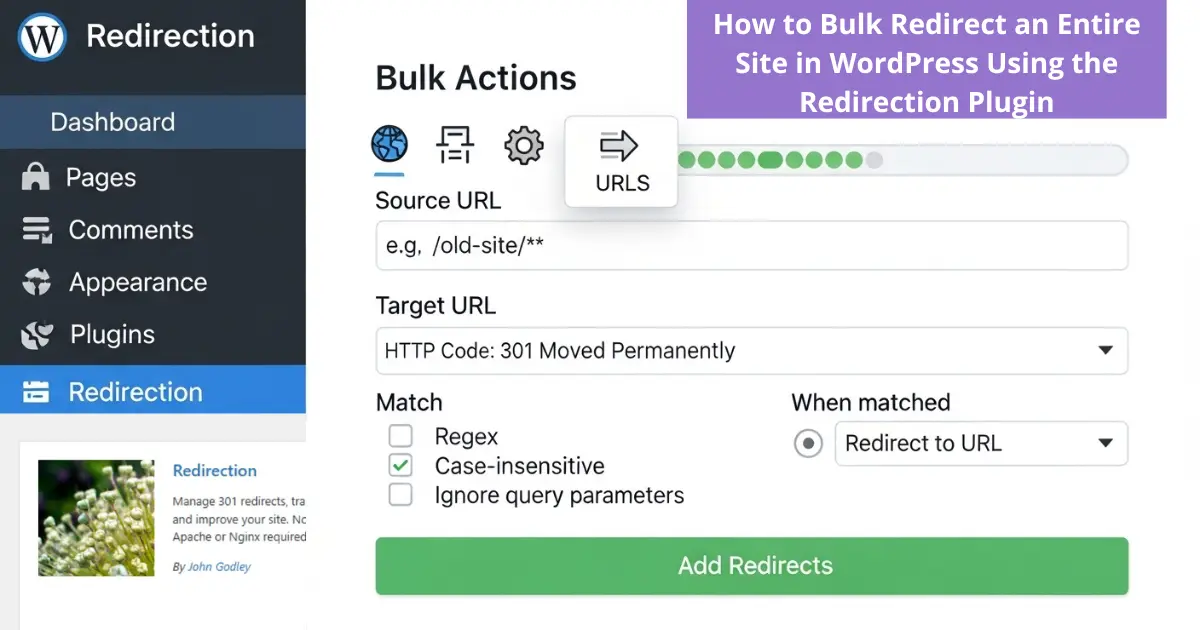
“Moving a content-heavy website from a subdomain to a root domain doesn’t have to be a manual nightmare. Instead of redirecting hundreds of articles one by one, we will leverage the power of automation through the Redirection plugin. In this guide, we’ll demonstrate how to execute a ‘Global Site Relocation’—a smart, one-click strategy that ensures every single URL, including complex Arabic slugs, is perfectly mapped to its new home without losing SEO authority or breaking user experience.”
Step 1: Installation & Activation
- Log in to your WordPress Dashboard.
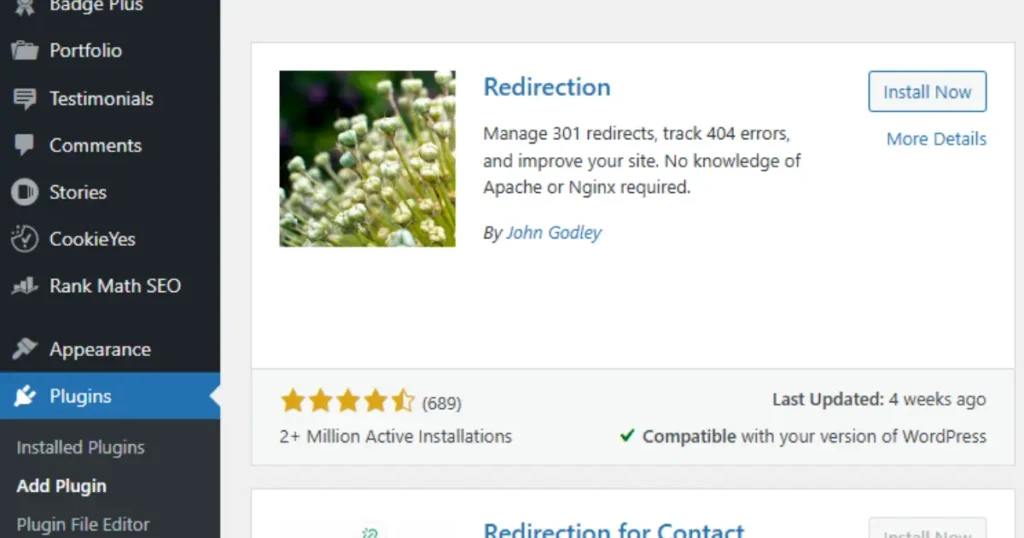
- Navigate to Plugins > Add New.
- Search for the Redirection plugin, click Install Now, and then Activate.
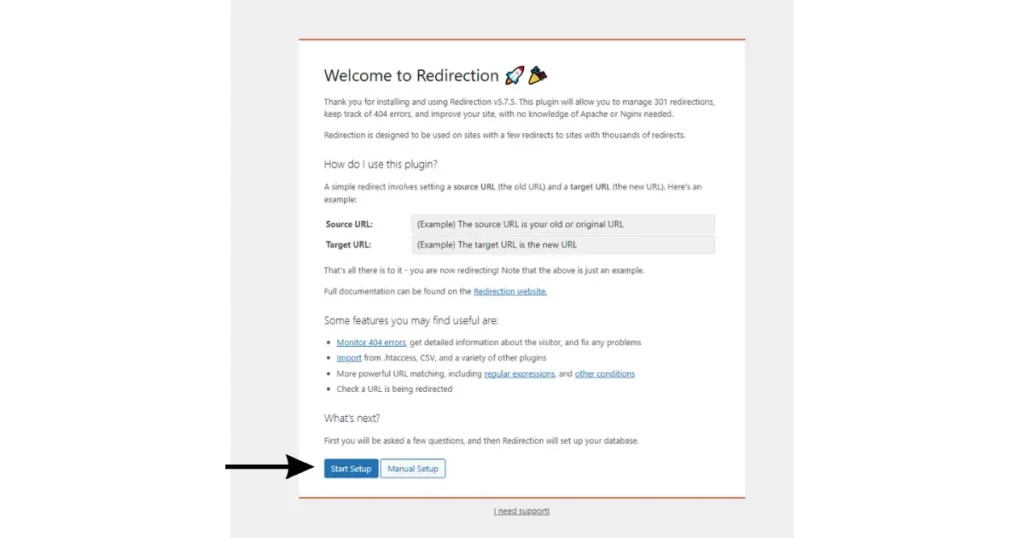
Step 2: Initial Setup
Click on Start Setup.
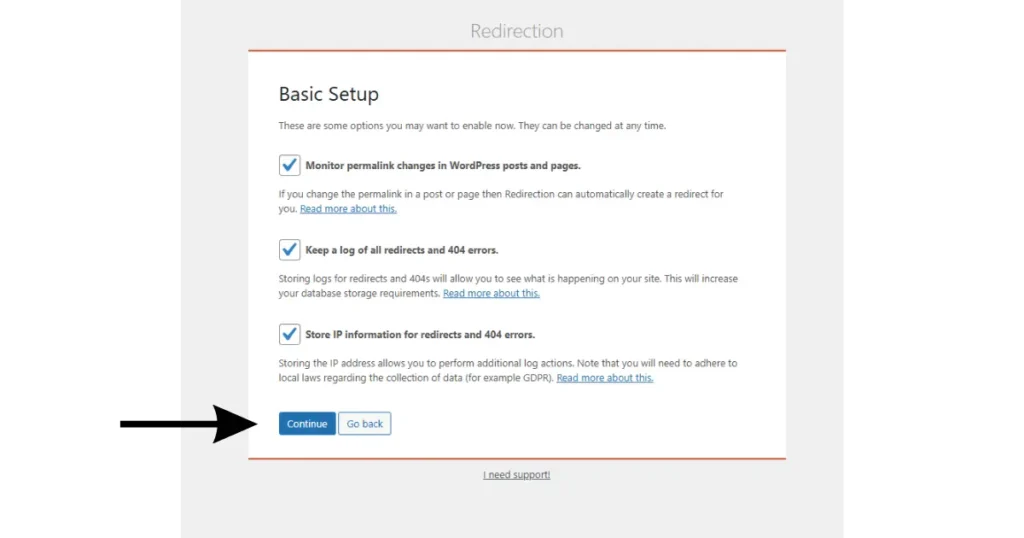
Enable options for monitoring permalinks and keeping 404 logs.
Wait for the REST API check to show a green checkmark, then click Finish Setup.
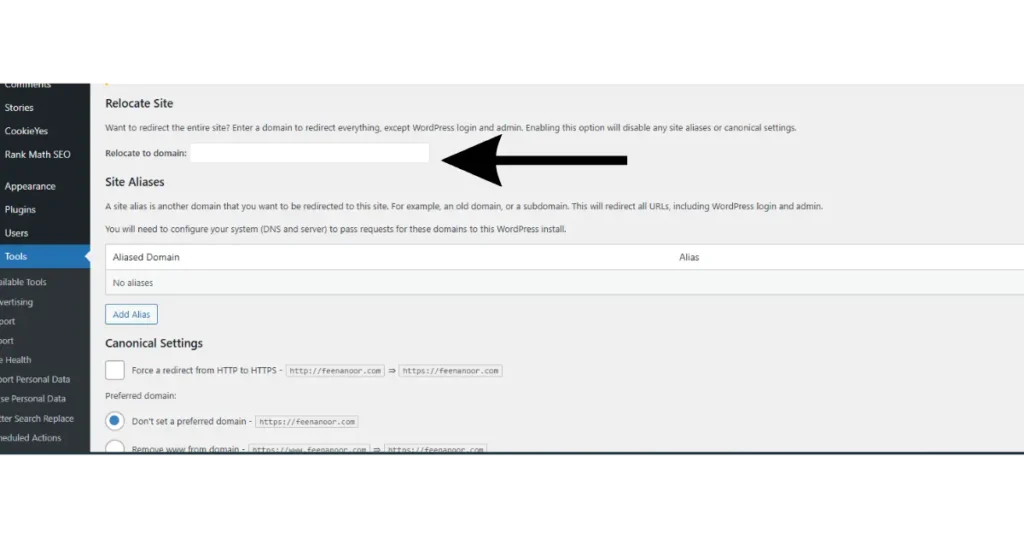
Step 3: Activate “Site Relocation”
- From the plugin’s top menu, select the Site tab.
- Locate the Relocate Site section.
- Enter your new domain (e.g.,
your domin.com) in the Relocate to domain field.
Step 4: Security & Saving
- Ensure the Force HTTP to HTTPS option is enabled.
- Click the Save button to apply the changes.
Step 5: Final Verification
- Open a new Incognito Mode window in your browser.
- Try accessing an old article URL; if it instantly redirects to the new domain, your migration is successful!
Technical Solutions: A Complete Guide to Fixing Website, SEO, and Digital Performance Issues
Discover more from Feenanoor
Subscribe to get the latest posts sent to your email.