

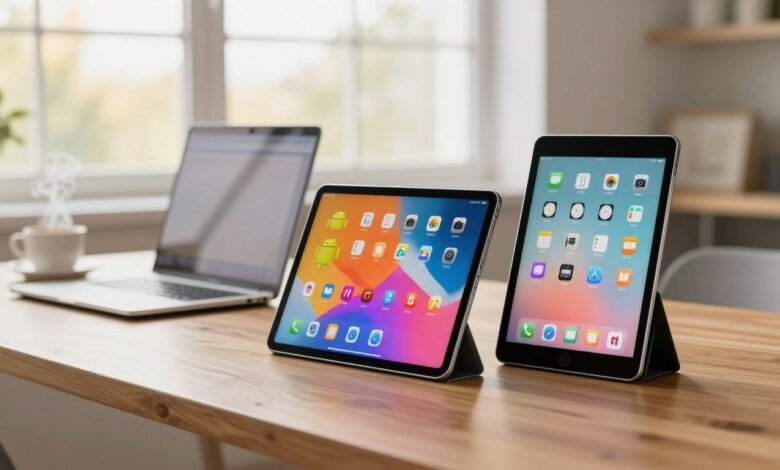
The tablet market has exploded in recent years, offering a wide range of options from budget-friendly devices like Amazon Fire to premium iPads from Apple and numerous Android tablets from various manufacturers.
With so many choices available, selecting the right tablet can be overwhelming. This article aims to simplify the decision-making process by comparing the features, performance, and value of Android tablets and iPads.
Key Takeaways
- Overview of the current tablet market
- Comparison of Android and iPad features
- Performance and value analysis
- Design and display differences
- Operating system and app ecosystem comparison
The Current State of the Tablet Market
With technological advancements, the tablet market is witnessing a surge in innovative devices from various manufacturers. This has led to a diverse range of options for consumers, from budget-friendly tablets to high-end devices with advanced features.



Key Players in the Tablet Industry
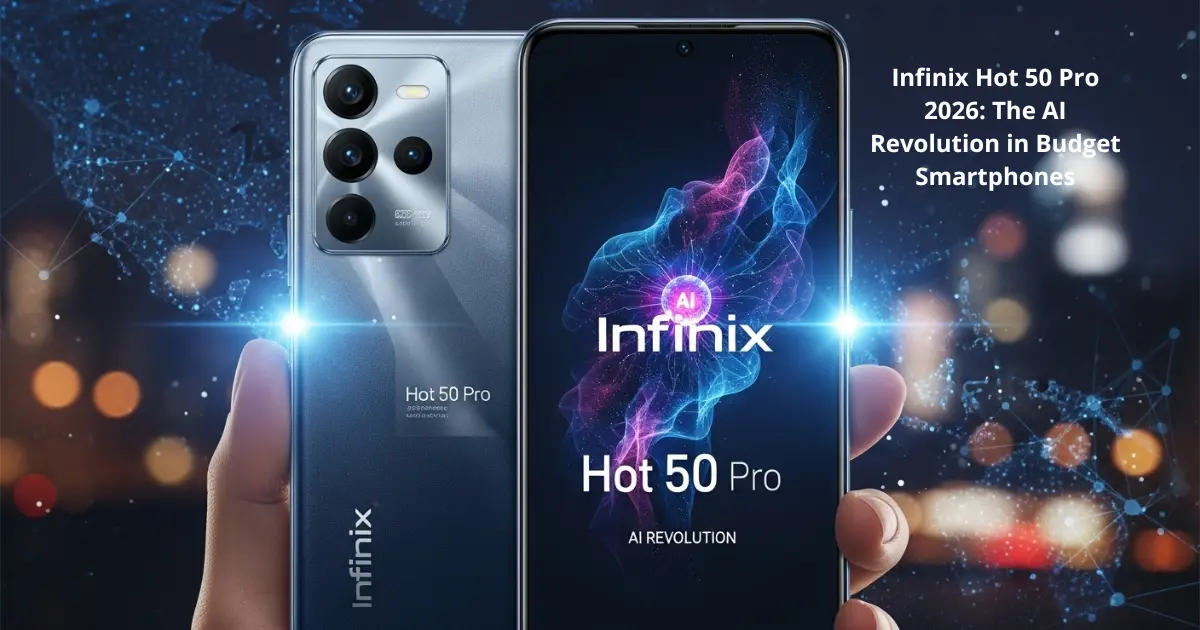
The major players in the tablet market include Apple, Samsung, Amazon, and Lenovo. These companies offer a variety of devices catering to different segments of the market. For instance, Apple’s iPad series is known for its premium quality and user-friendly interface, while Samsung offers a range of Android tablets with advanced features like large screens and stylus support.
Recent Market Trends and Statistics
Recent trends show a shift towards more powerful and feature-rich devices, with an emphasis on display quality, performance, and ecosystem integration. The demand for tablets with advanced specifications, such as high-resolution displays and fast processors, is on the rise.
| Manufacturer | Market Share (%) | Notable Models |
|---|---|---|
| Apple | 40% | iPad Pro, iPad Air |
| Samsung | 20% | Galaxy Tab S8, Galaxy Tab A |
| Amazon | 15% | Fire HD 8, Fire HD 10 |
| Lenovo | 10% | Tab P12 Pro, Tab M10 |
The tablet market continues to evolve, with manufacturers competing to offer the best combination of features, performance, and price. As a result, consumers have a wide range of choices to suit their needs and preferences.
Android Tablets vs iPad: A Platform Overview
Android tablets and iPads have their unique strengths and weaknesses, which can make choosing between them challenging.
The Android tablet ecosystem is characterized by its diversity, with multiple manufacturers offering a wide range of devices. This variety means consumers can choose from different screen sizes, hardware specifications, and price points.
Read Also: Best Tablets for Work, Study, and Entertainment in 2025 – Top Picks and Price Guide
The Android Tablet Ecosystem
The Android tablet market is led by several key players, including Samsung, Lenovo, and Amazon. Each of these manufacturers brings its own set of features and innovations to the table.
Major Android Tablet Manufacturers
Major Android tablet manufacturers offer a range of devices. For instance, Samsung’s Galaxy Tab series is known for its high-resolution displays and multitasking capabilities, while Amazon’s Fire HD tablets provide affordability and access to Amazon’s content ecosystem.
Android Version Fragmentation
One challenge with Android tablets is version fragmentation. Since different devices run different versions of Android, this can lead to inconsistencies in performance and security updates.
The iPad and Apple Ecosystem
In contrast, the iPad is exclusively manufactured by Apple, offering a streamlined and integrated user experience. iPads are known for their ease of use and seamless integration with other Apple devices.
iPad Product Lines
Apple offers several iPad models, including the standard iPad, iPad Air, and iPad Pro. Each model caters to different user needs, from basic tasks to professional creative work.
Integration with Apple Products
One of the key advantages of iPads is their integration with other Apple products. Features like Universal Clipboard and AirDrop make it easy to share content between devices.
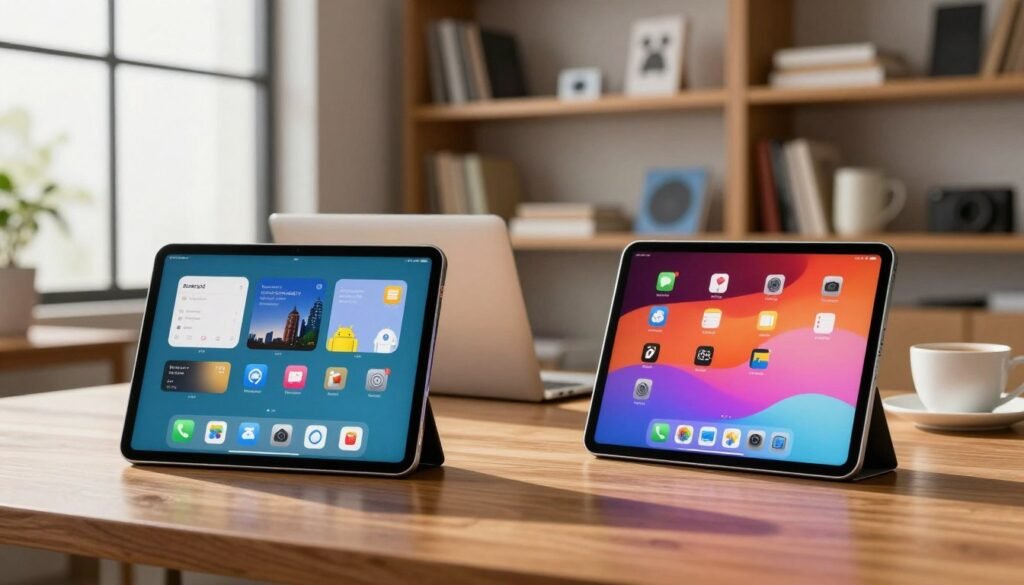
When deciding between an Android tablet and an iPad, it’s essential to consider these ecosystem differences and how they align with your needs.
Design and Build Quality Comparison
Design and build quality are key factors to consider when comparing Android tablets and iPads, as they impact both aesthetics and durability. Android tablets and iPads offer distinct approaches to design, catering to different user preferences.
Android Tablet Design Diversity
Android tablets exhibit a wide range of design approaches, from budget-friendly plastic constructions to premium metal and glass designs. This diversity allows consumers to choose a device that fits their style and budget.
Materials and Construction
Android tablets use various materials, including plastic, metal, and glass. While budget models may use plastic for cost-effectiveness, higher-end models often feature durable metal and scratch-resistant glass, enhancing their premium feel.
Form Factors and Sizes
Android tablets come in a variety of form factors and sizes, ranging from compact 7-inch devices to larger 14-inch models. This range allows users to select a tablet that suits their needs, whether for portability or screen real estate.
iPad’s Consistent Design Philosophy
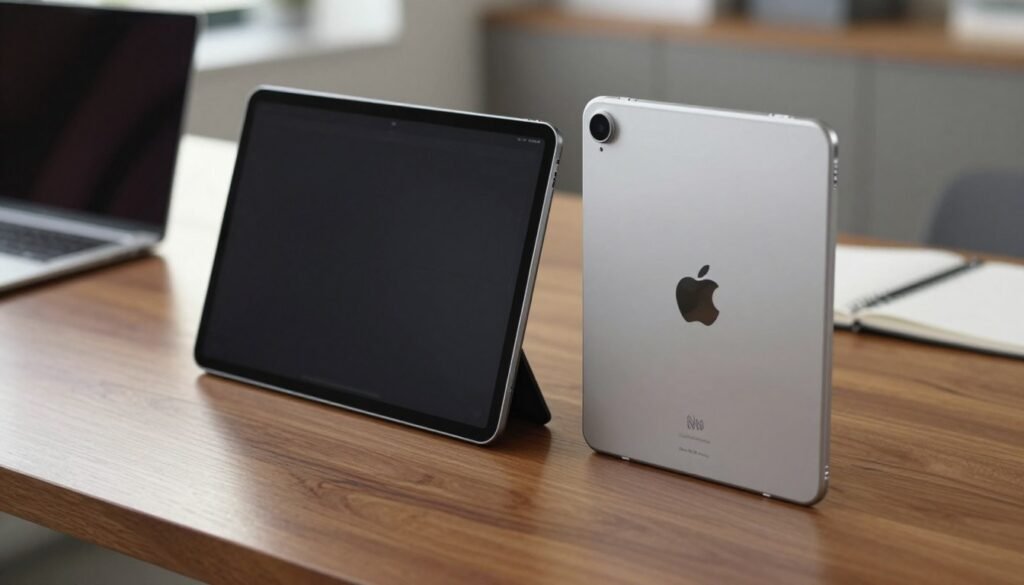
iPads are renowned for their consistent design philosophy, emphasizing premium materials and build quality. Apple’s focus on creating a seamless user experience is reflected in the iPad’s design.
Aluminum Unibody Construction
iPads feature an aluminum unibody construction, providing a sturdy and premium feel. This construction method not only enhances durability but also contributes to the iPad’s sleek aesthetic.
Size and Weight Considerations
iPads are designed to be both portable and comfortable to hold. While they may not offer the same range of sizes as Android tablets, iPads strike a balance between screen size and weight, making them suitable for extended use.
| Feature | Android Tablets | iPads |
|---|---|---|
| Materials | Plastic, Metal, Glass | Aluminum |
| Form Factors | 7-14 inches | 7.9-12.9 inches |
| Build Quality | Varied, from budget to premium | Premium, consistent |
Display Technology and Quality
The display is one of the most important aspects of any tablet, and both Android tablets and iPads offer impressive options. When comparing these devices, understanding the differences in display technology can help you make an informed decision.
Screen Technologies in Top Android Tablets
High-end Android tablets often feature advanced display technologies, with AMOLED being a popular choice among manufacturers. AMOLED screens are known for their vibrant colors, deep blacks, and energy efficiency.
AMOLED vs LCD Options
AMOLED displays offer better contrast ratios and wider viewing angles compared to traditional LCDs. However, LCDs have their own advantages, including potentially lower production costs and no risk of burn-in.
Resolution and Refresh Rate Comparison
Top Android tablets often boast high resolutions, sometimes reaching up to 2560 x 1600 pixels. Additionally, many devices now offer high refresh rates, such as 120Hz, providing smoother visuals.
iPad Display Options and Performance
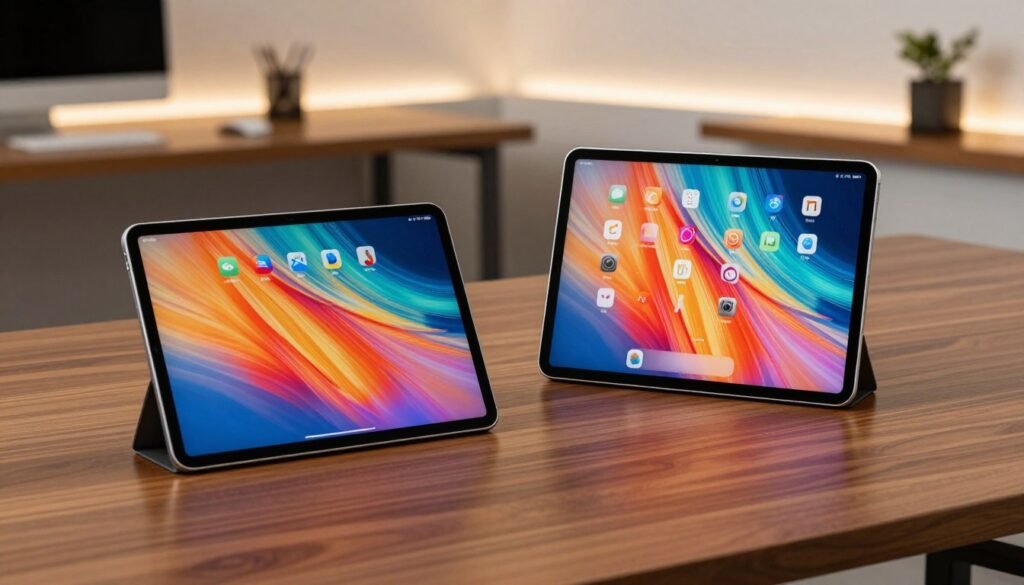
iPads are renowned for their high-quality displays, utilizing Liquid Retina technology in many models. This technology offers excellent color accuracy and brightness.
Liquid Retina and ProMotion Technology
The Liquid Retina display in iPads is designed to provide a more natural viewing experience. Some iPad models also feature ProMotion technology, which allows for a refresh rate of up to 120Hz, enhancing the overall fluidity of the display.
Color Accuracy and Brightness
iPads are known for their excellent color accuracy and high brightness levels, making them suitable for a wide range of tasks, from graphic design to watching videos.
| Feature | Top Android Tablets | iPads |
|---|---|---|
| Display Technology | AMOLED/LCD | Liquid Retina |
| Resolution | Up to 2560 x 1600 | Up to 2732 x 2048 |
| Refresh Rate | Up to 120Hz | Up to 120Hz (with ProMotion) |
Performance and Hardware Specifications
Understanding the performance and hardware specifications of Android tablets and iPads is essential for selecting the best device for your needs. The performance of these tablets is largely determined by their processors, RAM, storage options, and battery life.
Processor Comparison: Snapdragon vs Apple Silicon
Android tablets are powered by a range of processors, with Qualcomm Snapdragon being a popular choice. In contrast, iPads are driven by Apple Silicon processors, known for their high performance and efficiency. The choice of processor significantly affects the overall performance of the tablet.
Benchmark Performance Analysis
Benchmark tests provide a quantitative measure of a processor’s performance. Apple Silicon processors generally lead in benchmark performance, showcasing their capability in handling demanding tasks. However, high-end Snapdragon processors in Android tablets offer competitive performance.
Real-world Performance Differences
In real-world usage, the difference between Snapdragon and Apple Silicon processors becomes apparent in tasks like multitasking, gaming, and content creation. Apple Silicon’s optimized performance for iPadOS gives it an edge in seamless execution of tasks.
RAM, Storage Options, and Battery Life
The RAM and storage options available on Android tablets and iPads vary, impacting their performance. Higher RAM and storage capacities enable smoother multitasking and more storage for files and applications.
Memory Management Differences
Android tablets offer varying RAM options, and their memory management differs from iPads, which have optimized RAM usage due to their integrated hardware and software. This optimization often results in efficient performance even with lower RAM configurations.
Battery Efficiency Comparison
Battery life is another critical aspect, with both Android tablets and iPads offering competitive battery life. However, the actual battery efficiency depends on the device’s hardware and software optimization.
| Feature | Android Tablets | iPads |
|---|---|---|
| Processor | Qualcomm Snapdragon | Apple Silicon |
| RAM Options | Varied (up to 16GB) | Up to 16GB |
| Battery Life | Up to 15 hours | Up to 10 hours |
Operating System and Software Experience
Android tablets and iPads offer distinct operating system experiences that cater to different user needs. The choice between these devices often hinges on the operating system’s capabilities and the overall software experience.
Android for Tablets: Features and Limitations
Android offers a flexible and customizable experience, allowing users to personalize their home screen, notification shade, and overall interface to a significant extent. However, this flexibility can sometimes lead to fragmentation, where different devices run different versions of Android, potentially affecting performance and security.
Customization Options
Android provides a wide range of customization options, from launchers to icon packs, allowing users to tailor their device to their preferences. This level of customization is a significant draw for many Android fans.
Multitasking Capabilities
Android has improved its multitasking capabilities over the years, offering features like split-screen mode and picture-in-picture. While these features enhance productivity, they may not be as seamless as those on iPads.
iPadOS: Tablet-Optimized Experience
iPadOS is designed specifically for iPads, offering a streamlined and intuitive experience. Apple has optimized iPadOS for touch input, providing a unique and user-friendly interface that leverages the device’s capabilities.
Stage Manager and Multitasking
iPadOS introduces features like Stage Manager, which revolutionizes multitasking on iPads. This feature allows for more flexible and efficient multitasking, making it easier to work on multiple apps simultaneously.
Apple Pencil Integration
The integration of Apple Pencil with iPadOS offers a superior creative and productivity experience. Features like Scribble allow users to write in any text field, and the precision of the Apple Pencil makes it ideal for tasks that require accuracy.
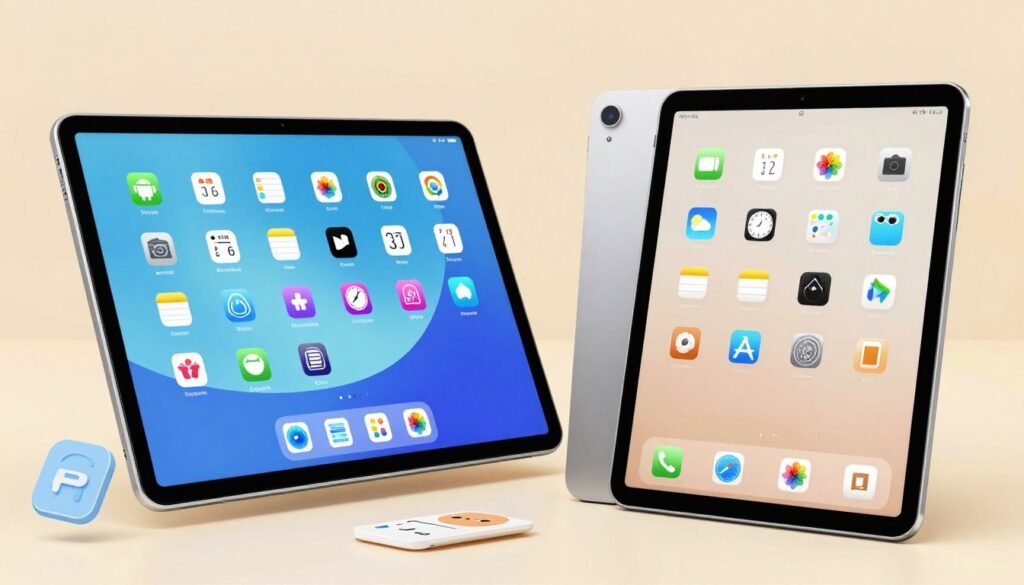
In conclusion, the operating system and software experience are critical factors in the Android tablets vs iPad debate. While Android offers customization and flexibility, iPadOS provides a polished, tablet-optimized experience. Understanding these differences is key to making an informed decision.
App Ecosystem and Content Availability
The app ecosystem is a vital consideration for anyone choosing between Android tablets and iPads, as it directly impacts the user experience. Both platforms offer a wide range of apps, but there are differences in quality, availability, and optimization.
Google Play Store vs Apple App Store
The Google Play Store and Apple App Store are the heart of the Android and iPad ecosystems, respectively. While both stores offer a vast array of apps, there are differences in how these apps are curated and optimized.
App Quality and Selection
The Apple App Store is known for its strict app review process, which can result in higher quality apps. However, the Google Play Store has been improving its quality controls, offering a wide range of apps, including some that are exclusive to Android.
Tablet-Specific App Optimization
Both stores have apps optimized for tablets, but the extent of this optimization varies. iPad apps are generally well-optimized for the device’s screen sizes. Android tablets, while having improved in this regard, still see variability in app optimization due to the diverse range of screen sizes and devices.
Content Creation and Productivity Apps
For users focused on productivity and content creation, both ecosystems offer robust solutions. The availability of professional software and gaming/entertainment options can be a deciding factor.
Professional Software Availability
iPads have a strong lineup of professional apps, including those from Adobe and other industry leaders. Android tablets are also catching up, with many popular productivity apps available.
Gaming and Entertainment Options
Gaming is a significant aspect of both ecosystems. iPads are known for their high-quality gaming experiences, while Android tablets offer a wide range of games across different price segments.
Strict review process, generally higher quality apps
| Feature | Google Play Store (Android) | Apple App Store (iPad) |
|---|---|---|
| App Review Process | Less strict, more variability in app quality | |
| Tablet Optimization | Variability due to diverse devices | Generally well-optimized for iPad screens |
| Professional Apps | Many available, some exclusive | Strong lineup, including industry leaders like Adobe |
| Gaming Experience | Wide range, varying quality | High-quality experiences, popular titles available |
Accessories and Expandability
Accessories and expandability are key factors to consider when choosing between Android tablets and iPads. The availability of various accessories can significantly enhance the overall user experience, offering additional functionality and convenience.
Keyboard Cases and Stylus Options
Both Android tablets and iPads offer a range of keyboard cases and stylus options that can transform them into productivity powerhouses. Keyboard cases provide a typing experience similar to laptops, while styluses offer precision for note-taking and creative tasks.
Third-Party vs First-Party Accessories
Users have the option to choose between first-party accessories developed by the device manufacturers and third-party alternatives. While first-party accessories like Apple’s Smart Keyboard and Apple Pencil offer seamless integration, third-party options can provide more affordable and diverse choices.
Compatibility and Integration
The level of compatibility and integration between the tablet and its accessories can vary. For instance, iPads are highly optimized for Apple accessories, offering a streamlined experience. Android tablets, on the other hand, may have varying levels of compatibility depending on the manufacturer and device.
Port Selection and External Device Support
The type and number of ports on a tablet can significantly impact its expandability. USB-C has become a standard for many Android tablets, offering fast data transfer and charging. iPads also use USB-C, with some models featuring additional ports like Thunderbolt 3.
USB-C vs Lightning/USB-C
The choice between USB-C and Lightning ports affects how users connect external devices. USB-C offers versatility and faster speeds, while Lightning ports, found on some iPad models, require specific cables and adapters.
External Storage and Display Options
Both Android tablets and iPads support external storage and display options, though the extent of this support varies. Users can expand their storage capacity and connect to external displays, enhancing their productivity and entertainment capabilities.
Price Points and Value Proposition
Understanding the price points of Android tablets and iPads is essential for making an informed purchase decision. The pricing of these devices varies significantly, reflecting their diverse features, capabilities, and target markets.
Budget to Premium Android Tablet Options
Android tablets span a wide price range, catering to different budgets and preferences. This diversity is one of the key advantages of choosing an Android tablet.
Entry-Level Android Tablets
For those on a tight budget, entry-level Android tablets offer an affordable entry point into the world of tablets. These devices typically range from $100 to $200, providing basic functionality for browsing, streaming, and casual gaming.
Premium Android Flagships
At the other end of the spectrum, premium Android flagships offer high-end features, superior performance, and sleek designs, with prices ranging from $500 to over $800. These devices are ideal for power users who demand the best.
iPad Lineup: From Basic to Pro
Apple’s iPad lineup is generally positioned as premium products, with a focus on delivering high-quality experiences. The range includes the standard iPad, iPad Air, and iPad Pro, each with its own pricing strategy.
Standard iPad Value Analysis
The standard iPad, typically priced around $300-$400, offers a balance between performance and affordability, making it an attractive option for casual users and those new to the iPad ecosystem.
iPad Air and Pro Cost-Benefit
The iPad Air and Pro models, with prices starting at $500 and $800 respectively, offer advanced features, improved performance, and enhanced capabilities, justifying their premium pricing for professionals and heavy users.
Conclusion: Making Your Final Decision
When choosing between Android tablets and iPads, consider your individual needs and preferences. The decision hinges on factors like ecosystem integration, app availability, and personal preferences. Both Android tablets and iPads offer unique strengths and weaknesses.
The best Android tablets offer diverse designs and price points, while iPads are known for their seamless integration with other Apple devices. Weighing the pros and cons of android tablets vs iPad will help you make an informed decision that suits your lifestyle.
Ultimately, the choice between android tablets vs iPad depends on what matters most to you. Whether you prioritize affordability, customization, or a streamlined user experience, there’s a tablet out there for you.
FAQ
What are the main differences between Android tablets and iPads?
The main differences lie in their operating systems, design, display, performance, and ecosystem integration. Android tablets offer a more diverse range of devices and price points, while iPads are known for their premium build quality and seamless integration with other Apple products.
How do Android tablets and iPads compare in terms of display quality?
Both Android tablets and iPads offer high-quality displays, but they differ in technology. High-end Android devices often feature AMOLED screens, while iPads boast advanced LCD technology with features like ProMotion for smoother visuals.
What are the pros and cons of Android’s open approach versus iPadOS’s optimized experience?
Android’s open approach offers flexibility and customization, but can suffer from fragmentation. iPadOS, on the other hand, provides a seamless and intuitive experience, particularly with accessories like the Apple Pencil, but may be less customizable.
How do the app ecosystems of Android tablets and iPads compare?
Both platforms offer a wide range of apps, but the availability of tablet-optimized apps and professional software can differ significantly. The Google Play Store and Apple App Store have different strengths and weaknesses in terms of app selection and quality.
What are the key considerations when choosing between an Android tablet and an iPad?
When deciding, consider factors like ecosystem integration, app availability, personal preferences, and specific needs. Both platforms offer unique strengths and weaknesses, and the best choice will depend on your priorities.
How do Android tablets and iPads differ in terms of accessories and expandability?
Both Android tablets and iPads offer a range of accessories, from keyboard cases to styluses, with varying levels of integration and compatibility. The availability and compatibility of accessories can significantly impact the tablet experience.
What is the price range for Android tablets and iPads?
Android tablets offer a broader range of price options, from budget-friendly to premium. iPads are generally positioned as premium products, with a focus on delivering high-quality experiences.
How do the processors in Android tablets and iPads affect performance?
The choice of processor, such as Snapdragon for Android devices and Apple Silicon for iPads, affects benchmark performance, real-world usage, and overall user experience.